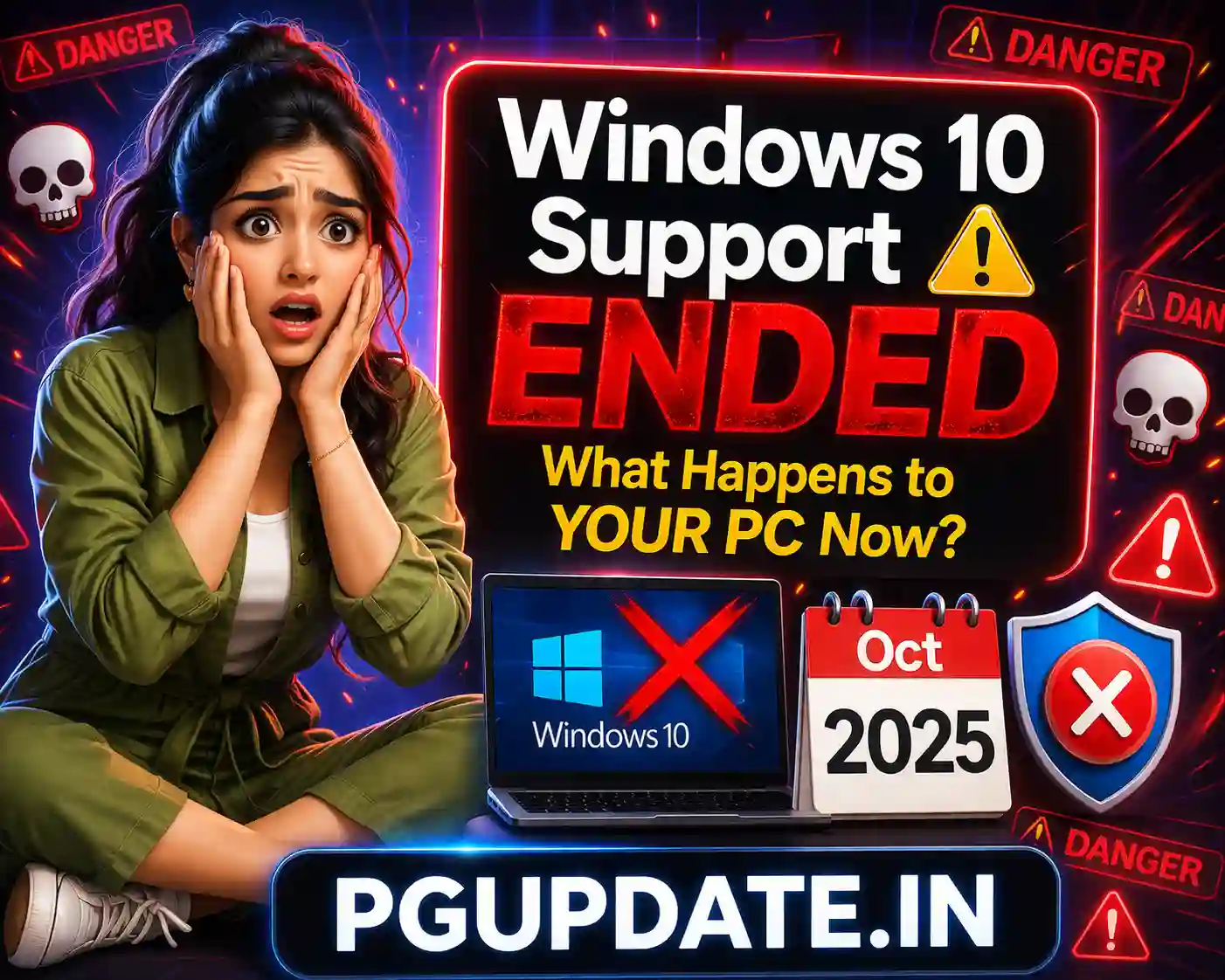
Windows 10 support has officially ended — and millions of PCs are now running without security updates. Microsoft ended free support for Windows 10 on October 14, 2025. If you haven’t upgraded yet, here’s exactly what happens to your PC in 2026, what risks you face, and what your options are.
Windows 10 End of Support: What It Means
When Microsoft ends support for a Windows version, it stops providing three critical things:

- Security patches — No more fixes for newly discovered vulnerabilities
- Bug fixes — No more updates for software errors or crashes
- Technical support — Microsoft will no longer help you troubleshoot Windows 10 issues
Your Windows 10 PC will continue to work — it won’t suddenly stop turning on or crash on October 15, 2025. But every day that passes without security updates increases your exposure to hackers, malware, and ransomware.
What Happens to Your Windows 10 PC in 2026?
1. Your PC Becomes a Security Risk
This is the most serious consequence. Hackers actively target unsupported operating systems because they know new vulnerabilities will never be patched. Windows XP and Windows 7 are classic examples — even years after their support ended, cybercriminals continued exploiting them in massive ransomware campaigns. Windows 10 in 2026 is heading in the same direction.

2. Apps and Browsers Will Stop Supporting Windows 10
Major software developers follow Microsoft’s support timeline. Expect to see these changes in 2026:
- Google Chrome — will eventually drop Windows 10 support
- Microsoft Office / Microsoft 365 — new features and updates will require Windows 11
- Antivirus software — security vendors will drop Windows 10 compatibility over time
- Adobe apps — Photoshop, Premiere, and Acrobat will eventually require Windows 11
3. Your PC Won’t Automatically Break
To be clear: Windows 10 will not suddenly stop working. All your files, apps, and settings remain intact. The issue is that over time, your PC becomes progressively less secure and less compatible with modern software — not that it stops working immediately.

Your Options After Windows 10 End of Support
Option 1: Upgrade to Windows 11 (Free — Best Option)
If your PC meets Windows 11 hardware requirements (TPM 2.0, 64-bit processor, 4GB RAM, 64GB storage), you can upgrade for free via Windows Update:
- Go to Settings → Windows Update
- Click Check for updates
- If your PC is eligible, you’ll see the option to upgrade to Windows 11
Windows 11 in 2026 is significantly better than at launch — with a movable taskbar, faster File Explorer, reduced Copilot clutter, and lower RAM usage all arriving this year. Read our full guide on Windows 11’s biggest 2026 improvements to see what you’re getting.
Option 2: Pay for Extended Security Updates (ESU)
Microsoft offers Extended Security Updates (ESU) for Windows 10 — security patches only, no new features. For individual consumers, the cost is $30 per year per PC. This buys you one additional year of security patches (through October 2026) while you plan your migration.
Option 3: Switch to Linux (Free — For Tech-Savvy Users)
If your PC doesn’t meet Windows 11 requirements, Linux is a free and secure alternative. Distros like Linux Mint or Ubuntu LTS are beginner-friendly and can breathe new life into older hardware. This is ideal for basic tasks like browsing, email, and document editing.
Option 4: Buy a New PC
If your current PC doesn’t meet Windows 11 requirements and is more than 5–6 years old, buying a new PC pre-loaded with Windows 11 may be the most practical long-term solution. With AI PCs and Copilot+ PCs now available at competitive prices in 2026, this is a good time to upgrade hardware.
How to Check If Your PC Can Run Windows 11
Microsoft’s free PC Health Check app tells you instantly whether your PC meets Windows 11 requirements:
- Download PC Health Check from Microsoft’s official website at support.microsoft.com
- Run the app and click Check now
- It will tell you exactly whether your PC is compatible and what’s blocking it if not
The most common reason PCs fail the check is missing TPM 2.0 (Trusted Platform Module). On some PCs, TPM 2.0 can be enabled in the BIOS/UEFI settings without any hardware upgrade.
Windows 10 vs Windows 11 in 2026 — Is the Upgrade Worth It?
Windows 11 in 2026 is genuinely better than it was at launch. Microsoft has spent the year fixing the most-complained-about issues: the taskbar is now movable, Copilot clutter is being reduced, File Explorer is faster, RAM usage is lower, and the overall experience is more polished. The upgrade is absolutely worth it on compatible hardware.
Frequently Asked Questions
Will Windows 10 stop working after end of support?
No — Windows 10 will continue to function normally after October 14, 2025. Your files, apps, and settings remain intact. The risk is security, not functionality. Without security patches, your PC becomes progressively more vulnerable to cyberattacks.
Can I still use the internet on Windows 10 after end of support?
Yes, but with increasing risk. As browsers and security software drop Windows 10 compatibility, your browsing will become less protected. We strongly recommend upgrading or at minimum purchasing Microsoft’s ESU for $30/year.
Is the Windows 11 upgrade still free in 2026?
Yes — for eligible PCs, the Windows 11 upgrade remains free via Windows Update. Microsoft has not announced a deadline for this free upgrade offer.
What if my PC doesn’t meet Windows 11 requirements?
You have three options: pay $30/year for ESU, switch to Linux, or buy a new PC. If your PC is more than 6 years old and doesn’t meet Windows 11 requirements, a new PC is likely the best long-term investment.
Will Windows 10 still receive antivirus updates?
Microsoft Defender will continue to receive antivirus definition updates for a period after end of support, but eventually this will also stop. Third-party antivirus vendors will also gradually drop Windows 10 support throughout 2026.
Key Takeaways
- Windows 10 end of support was October 14, 2025 — no more free security patches from Microsoft.
- Your PC won’t stop working but becomes increasingly vulnerable to security threats.
- The free upgrade to Windows 11 is still available for eligible PCs via Windows Update.
- Microsoft offers Extended Security Updates for $30/year as a temporary bridge.
- TPM 2.0 is the most common hardware requirement blocking Windows 11 upgrades — check if it can be enabled in your BIOS.
- In 2026, Windows 11 is significantly improved over its 2021 launch — it’s genuinely worth upgrading to.
Don’t wait until your PC gets compromised. Check your compatibility today and plan your upgrade path. For more Windows guides and tips, visit PGUpdate.in.