After years of complaints, Microsoft is finally doing it. The Windows 11 taskbar — which has been locked to the bottom of the screen since launch — is getting full repositioning support in 2026. And that’s just the beginning of a much bigger overhaul coming to the Windows 11 interface this year.
Here’s everything that’s changing and how you can get it now.

The Taskbar Is Finally Moving
When Windows 11 launched in 2021, Microsoft removed something millions of users relied on: the ability to move the taskbar to the top, left, or right side of the screen. Windows 10 had it. Windows 7 had it. Even Windows XP had it. But Windows 11 — somehow — didn’t.
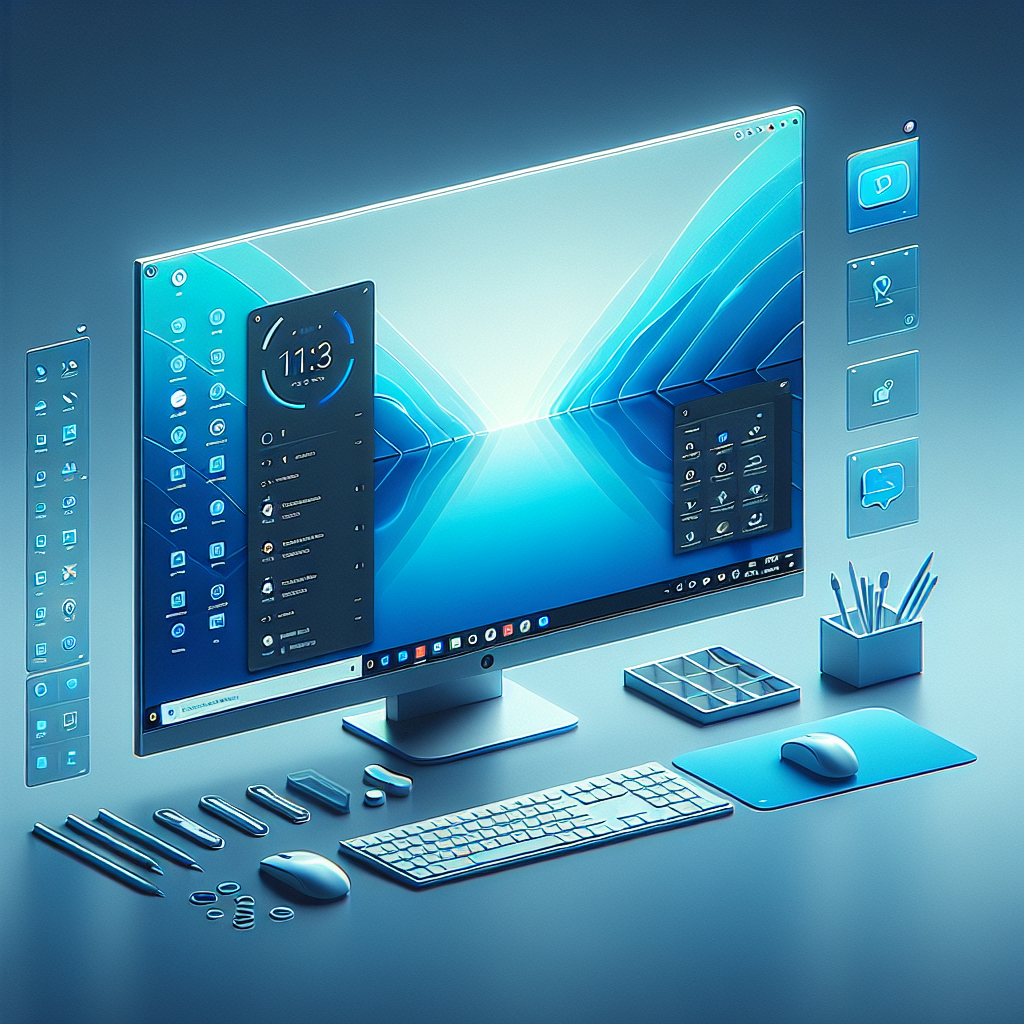
That changes in 2026. Microsoft has confirmed that taskbar repositioning is coming back through a right-click menu option. You’ll be able to move it directly without needing third-party tools like ExplorerPatcher or TaskbarXI. Early Insider builds show the option already working, and it’s rolling out gradually to all users.
On top of that, Microsoft is also working on taskbar resizing — a compact mode with smaller icons, similar to Windows 10’s small taskbar option. Early builds even suggest multiple size options, giving you more control over how much space the taskbar takes up.
The Start Menu Is Getting Faster
The Windows 11 Start menu has always felt a little sluggish compared to Windows 10. There’s a reason for that: it’s built on React-based web components, which adds overhead every time you open it.

Microsoft is now rebuilding core parts of the Start menu using native WinUI instead. This is a significant architectural change. The result should be a Start menu that opens faster, feels more responsive, and uses less memory in the background.
This is the kind of under-the-hood work that most users won’t notice explicitly — but they’ll definitely feel the difference.
Windows 11 Setup Is Getting Faster Too
Setting up a new Windows 11 PC has been notoriously painful. Microsoft itself recently acknowledged it can take over an hour from unboxing to reaching the desktop. That’s being fixed.
The new out-of-box experience (OOBE) cuts down the number of steps, eliminates mid-setup reboots, and reduces the clutter of service sign-ins and promotional screens that slow everything down. Microsoft is also working on an option to skip the mandatory Microsoft account login during setup — something senior engineers have openly acknowledged as one of Windows 11’s most criticized features.
Other Big Changes Coming to Windows 11 in 2026
The taskbar and Start menu are just two of 18 confirmed changes Microsoft has planned for Windows 11 this year. Here’s a quick look at what else is coming:
Performance improvements — Microsoft is targeting real RAM and CPU usage reductions in daily use. The goal is for Windows 11 to feel noticeably faster on the same hardware.
Reduced Copilot clutter — After years of aggressively pushing AI features into every corner of Windows, Microsoft is pulling back. Copilot is being repositioned as something you use when you want it, not something that’s constantly in your face.
Native app rebuilds — Several first-party apps (like Notepad, Settings, and File Explorer elements) are being rebuilt with native code instead of web-based layers, improving performance and consistency.
File Explorer fixes — Multiple long-standing File Explorer bugs are being addressed, along with UI consistency improvements that make it feel more like a polished app.
System-wide dark mode — Legacy dialogs and older system windows that ignored dark mode are finally being updated to respect your theme setting.
How to Get These Updates Now
Some of these changes are already available if you join the Windows Insider Program:
- Go to Settings → Windows Update → Windows Insider Program
- Sign in with a Microsoft account
- Join the Beta Channel for stable preview features, or Dev Channel for the latest builds
- Check for updates and install the latest build
If you’d rather wait, the taskbar repositioning and Start menu improvements are expected to reach the general public through monthly updates rolling out from April through mid-2026.
Why This Matters
Microsoft’s 2026 Windows 11 update push is different from previous years. Instead of adding new features nobody asked for, the company is fixing things people have complained about since day one. The taskbar. The Start menu. The setup experience. The forced Microsoft account.
It’s not flashy. But for everyday users who just want Windows to work the way they expect it to, 2026 is shaping up to be the best year for Windows 11 since launch.