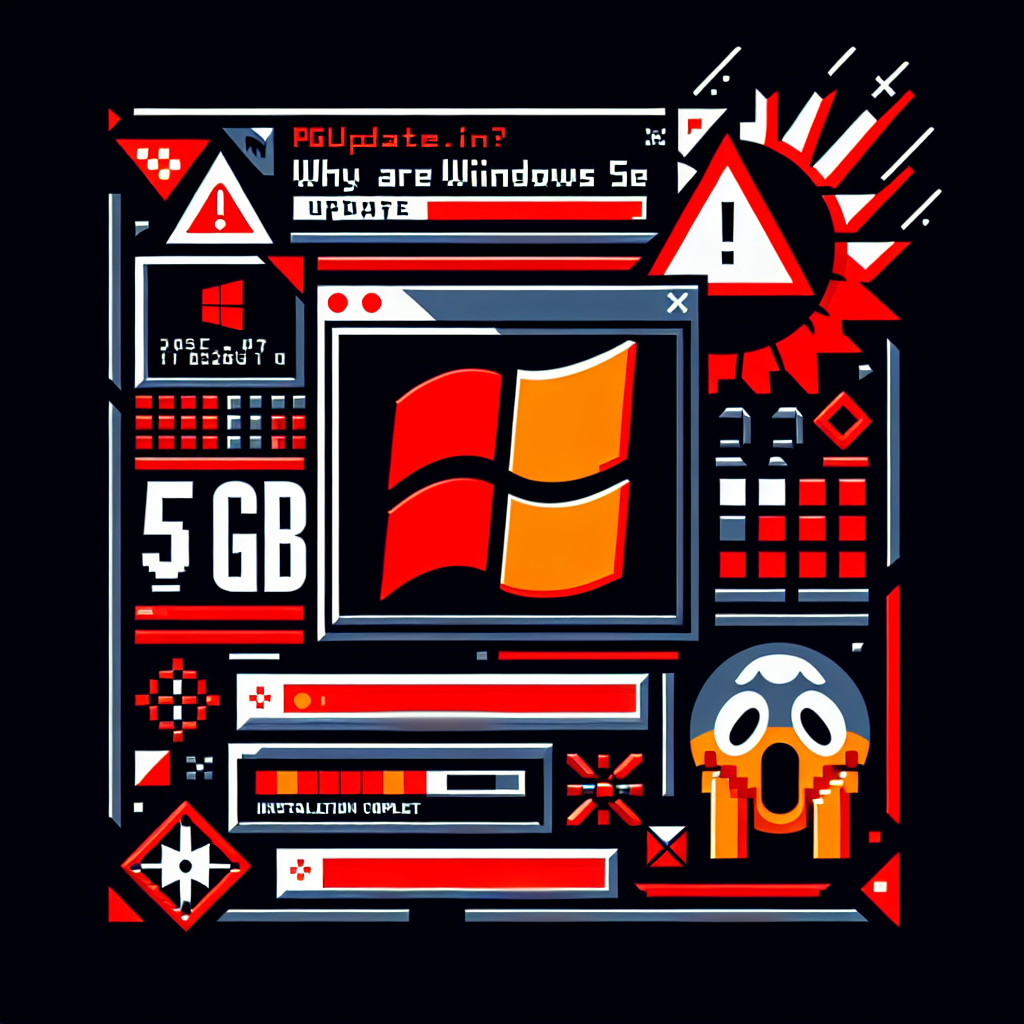
Why are Windows 11 updates so large in 2026? If you’ve noticed your monthly updates ballooning to 4, 5, even 9GB, you’re not imagining it. This is a real and growing problem — and while most people blame AI, the truth is more complicated.
This guide explains exactly why Windows 11 updates are so large in 2026, how much you’re actually downloading, and what you can do to manage it.

—
## How Large Are Windows 11 Updates in 2026?

To put the size problem in perspective:
– **Mid-2024:** Updates were 200–500 MB
– **Late 2025:** Updates were consistently 3–4 GB
– **2026:** Monthly catalog packages regularly hit **4–5 GB**, and expand to nearly **9 GB once extracted on disk**

For enterprise IT admins managing multiple distribution points, annual storage costs jumped from roughly 11 GB (2024 pace) to over **52 GB per year** — per architecture, per distribution point.
That’s a massive increase, and users on limited internet connections, older PCs, or metered plans feel it every single month.
—
## Is AI Really Why Windows 11 Updates Are So Large?
Partially, yes — but the full answer is more complicated.
Windows 11 has been adding AI features aggressively: Copilot, on-device language models, Semantic Search, image analysis components, and more. All of those require model files, inference engines, and update packages.
When Microsoft expanded Semantic Search support from Copilot+ PCs (initially Snapdragon-only) to Intel and AMD systems, **more component variants got bundled into every update** — even for machines that will never use those features.
But the bigger issue is **how Windows packages its updates**, not just what’s inside them.
—
## The Real Technical Reason: Latest Cumulative Updates (LCUs)
Microsoft no longer ships small, isolated patches. Instead, it delivers **Latest Cumulative Updates (LCUs)** — giant packages that contain every fix and change since the last major release, bundled together.
This means even a month where “barely anything changed” results in a multi-gigabyte download, because the package includes the full cumulative history of changes.
The good news: **what you actually download is much smaller than the catalog size**. Windows Update uses a system called Express Updates and UUP (Unified Update Platform) to calculate the difference between what’s already on your PC and what you need.
A 4 GB catalog package typically results in a **1.5 to 2 GB actual download** for most home users.
You can check your real download size at:
**Settings → Windows Update → Advanced Options → Delivery Optimization → Activity Monitor**
—
## The Semantic Search Problem
The Semantic Search components are a major contributor to why Windows 11 updates are so large. Initially built for Copilot+ PCs with Snapdragon NPUs, they were later expanded to Intel and AMD. Every expansion added more payload variants to the update bundle — even for machines that don’t qualify for the feature.
These AI model files and inference components could technically be delivered through the **Microsoft Store as optional downloads** rather than bundled into mandatory monthly updates. Security researchers and Windows analysts have pointed this out repeatedly, but Microsoft hasn’t fully addressed it yet.
—
## What the April 2026 Update Added
The **Windows 11 April 2026 Update** refreshed several internal AI components, including:
– **Image Search** (version 1.2603.377.0)
– **Content Extraction** (version 1.2603.377.0)
– **Semantic Analysis** (version 1.2603.377.0)
– **Settings Model** (version 1.2603.377.0)
These components power Windows Search, intelligent recommendations, and various AI-assisted behaviors. They get updated every month — adding to update sizes each time.
—
## Is Microsoft Working on Fixing This?
Microsoft has acknowledged the size problem and is working on reducing download time for Windows updates. However, it’s unclear whether this involves actually shrinking the packages or just improving delivery speed through better compression and differential downloads.
The underlying architecture of LCUs isn’t changing anytime soon. The more realistic near-term fix would be separating AI model files into optional components — but that hasn’t been confirmed.
—
## 5 Things You Can Do Right Now
You can’t stop Windows 11 updates from being large, but you can manage the impact:
**1. Check your actual download size (not catalog size)**
Go to **Settings → Windows Update → Advanced Options → Delivery Optimization → Activity Monitor** to see what was actually downloaded vs. the catalog size.
**2. Use Delivery Optimization**
Delivery Optimization can download parts of updates from other PCs on your local network or the internet, reducing strain on your connection. It’s on by default for most users.
**3. Schedule updates during off-peak hours**
Go to **Settings → Windows Update → Advanced Options → Active Hours** and set the times when your PC is in use. Updates will install outside those hours.
**4. Pause updates when on a metered connection**
Go to **Settings → Network & Internet**, click on your Wi-Fi or Ethernet connection, and toggle **Set as metered connection**.
**5. Clean up old update files**
Run **Disk Cleanup** (search in Start), click *Clean up system files*, and check *Windows Update Cleanup*. On systems that haven’t been cleaned in a while, this can recover several gigabytes.
> **Related:** [Microsoft Is Finally Making Windows 11 Faster in 2026 — Here’s What’s Changing](https://pgupdate.in/speed-up-windows-11-pc/)
—
## The Bottom Line
Windows 11 updates are so large in 2026 because of two main reasons: Microsoft’s cumulative update packaging model, and the addition of AI components — especially Semantic Search — bundled even for hardware that doesn’t need them.
The actual download to your PC is usually 1.5–2 GB thanks to Express Updates, not the full 4–5 GB catalog size. But the trend is still upward, and it’s a legitimate concern for users on slower or capped connections.
Until Microsoft separates AI model files into optional downloads, this is unlikely to improve significantly.
> **Also read:** [Windows 11 April 2026 Update Is Here — 7 Changes You’ll Notice Right Away](https://pgupdate.in/windows-11-april-2026-update-changes/)
**Sources:**
– [Windows 11’s Massive 5GB Monthly Updates — Windows Latest](https://www.windowslatest.com/2026/04/29/i-investigated-windows-11s-massive-5gb-monthly-msu-updates-ai-is-only-part-of-the-problem/)
– [Windows 11 April 2026 Update Tested — Windows Latest](https://www.windowslatest.com/2026/04/14/windows-11-april-2026-update-tested-whats-new-improved-and-fixed/)